If you want to know how to make a coloring book, the drawing is only half of it. The other half is print work: how many pages, what size, where the margins go and what holds the sheets together. Get those right and a stack of line art turns into something you can hand to a child, wrap as a gift or keep by the sofa for quiet evenings.
The numbers in this guide come from the published specifications of print companies and self-publishing services. Each one is linked where it appears, so you can check it against the shop you end up using.
Pick a theme and a reader
Decide who will be holding the crayons before you gather a single picture. A book for a four-year-old needs big shapes, thick outlines and one clear subject per sheet. An adult who colors to unwind usually prefers finer detail and a calmer mood: cottages, florals, cats asleep on bookshelves.
Then choose one theme and stick with it. Twenty dinosaurs feel like a book; twenty unrelated drawings feel like a folder. Use only art you drew yourself or have permission to use.
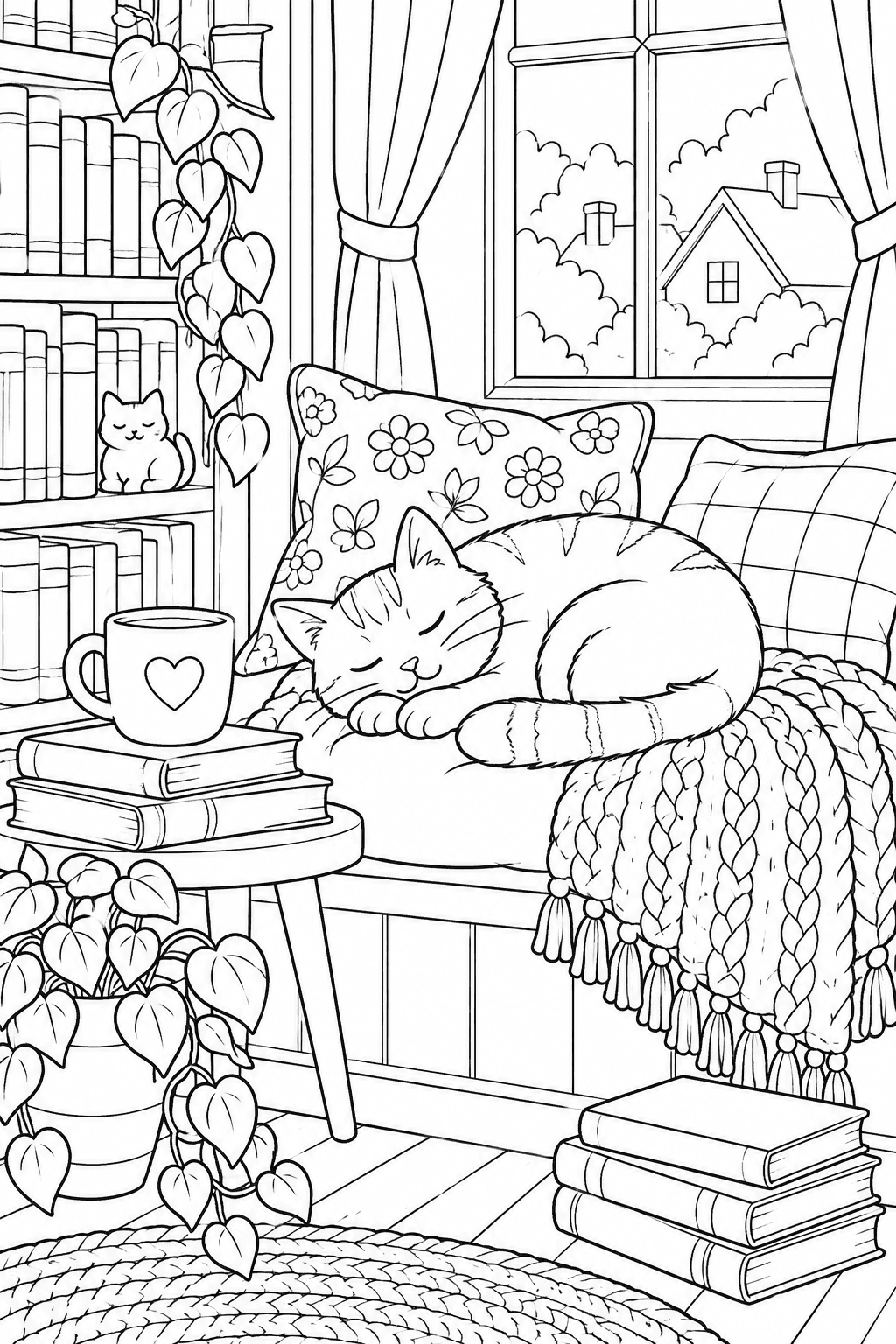
A cozy scene with medium detail, the kind of page an adult coloring book is built around. An example page from CrayonKite.
Decide how many pages
Page count follows the audience. PrintNinja, a book printer, lists 16 to 48 pages for children's coloring books and 48 to 120 for adult ones.
Binding narrows the choice further. A stapled booklet is made from folded sheets, and every fold adds four sides, so Staples asks for a final count that is a multiple of four and inserts blanks before the back cover if yours isn't. Mixam explains the same rule and applies it to stapled and perfect-bound books alike. PrintNinja notes that wire and spiral bindings are exempt.
If you plan to leave the backs empty (more on that below), remember that each design uses two sides. Twelve pictures make a 24-page booklet.
Choose a page size
Letter size, 8.5 by 11 inches, is the common default. It appears in every coloring book format PrintNinja lists except the travel size, and Amazon's KDP service includes 8.5" x 11" among its paperback trim sizes. Pages you print at home on ordinary Letter paper already match it, with nothing to trim.
Smaller formats travel better. One of PrintNinja's mini sizes is 5.5 by 8.5 inches, which is a Letter sheet folded in half.
Lay out margins and the binding edge
Leave a margin around every drawing, and a wider one on the side that gets bound. Published minimums give you a starting point:
- Outer edges. KDP requires top, bottom and outside margins of at least 0.25 inches when nothing runs off the page.
- Inside edge, paperback. For 24 to 150 pages, KDP sets the inner margin at 0.375 inches, and the minimum rises as the book gets thicker.
- Inside edge, coil. Lulu says its coils bite about 0.375 inches into the sheet and suggests an interior margin of half an inch.
Art that runs right off the paper needs bleed: extra image beyond the cut line. KDP trims 0.125 inches from the top, bottom and outside, so anything meant to reach the edge has to extend past it. For a first book, keeping every drawing inside the margins is simpler.
Print on one side of the sheet
Markers soak through. PrintNinja offers single-sided printing for coloring books so that ink does not bleed onto the next design, and the same habit works at home. A blank back also means a finished picture can be cut out and pinned up without losing another one.
Pick the paper
Uncoated stock is the norm. PrintNinja's most popular choice for coloring books is 70 or 80 lb uncoated text; its 100 lb version is the one it calls ideal for markers and wet media. It advises against glossy coated pages, which repel most coloring tools.
A warning about those numbers: print shops quote "text" weights, a different scale from the pounds on a ream of office paper. On Neenah's conversion chart, 70 lb text equals 28 lb bond, roughly 104 gsm. Compare in gsm whenever you can.
Our guide to the best paper and markers for coloring pages goes deeper on matching sheets to pens.
Make it at home
A homemade book has no minimum order and no waiting.
- Print each design on one side, at full size, on the heaviest paper your printer accepts. HP's advice is to check the printer's specifications first, since heavy sheets may not feed in some machines.
- Add front and back covers on cardstock.
- Bind the stack. A three-hole punch and a slim binder let you add or remove pictures later. Stapling down one long side is quicker.
Or order from a print shop
Three bindings cover almost every coloring book.
- Saddle stitch (stapled). Folded sheets stapled at the spine. Lulu recommends it for interiors of 48 pages or fewer, and Staples sells booklets of 8 to 80 pages.
- Perfect bound (glued paperback). PrintNinja calls it best for thicker books of 48 pages and up, with a bookstore look.
- Spiral or coil. The book lies completely flat or folds back on itself, which is why PrintNinja names it the best functional choice. Its binding guide adds that pages rotate a full 360 degrees around a spiral.
Ask about perforation too. PrintNinja can perforate near the spine so that finished pages tear out cleanly.
Before you order a box of them: get a single copy first. Color one page with the pens the book is meant for, open it flat and check that nothing sits too close to the binding.
A short checklist
- One theme, one reader in mind.
- A page count your binding allows.
- Letter size unless you have a reason to go smaller.
- Wide inner margins.
- Designs on one side only, on uncoated paper.
- One test copy before the full run.
CrayonKite's coloring book maker is coming soon.